Ideal F3 Fault Code: What It Means and How to Fix It
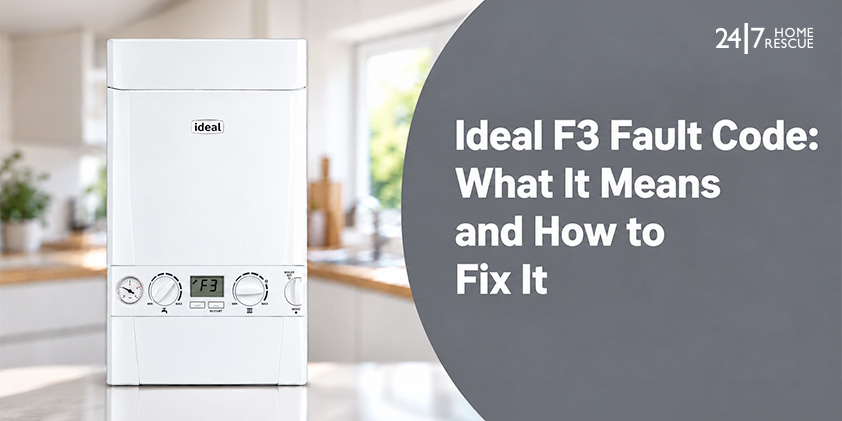
The Ideal F3 fault code, including the Ideal Logic F3 fault, means the boiler has detected a fan fault. The fan clears waste gases through the flue, so the boiler locks out when it fails or runs too slowly. Reset the boiler once, and if F3 returns, call a Gas Safe registered engineer.
Worn bearings, faulty wiring, water damage and a wrong fan speed are the usual causes, and any one of them stops the boiler from running, so you will have no heating or hot water until the fault is repaired. F3 is one of several Ideal boiler fault codes, and it points to the fan.
Before contacting a Gas Safe registered engineer, note when the code appeared and any noise beforehand, as this often shows the cause. In this blog, we cover what F3 means, the causes, how to reset the boiler safely, what an engineer will do, the average repair costs and how boiler cover can pay for the repair.
What Does F3 Mean on an Ideal Boiler?
The Ideal F3 fault code means the boiler has found a fault with its fan. Ideal Heating lists F3 as a fan fault and says that if a reset doesn’t clear it, you need an engineer to visit. The code doesn’t tell you which part has failed, so the problem could be the fan, its wiring or its connection to the PCB. The fan pushes waste gases out through the flue, so if the boiler can’t tell the fan is working properly, it locks out, because those gases are harmful if they build up.
People often mistake F3 for an overheat fault, but it isn’t one. Overheating or no water flow shows as L1, and low water pressure shows as F1. If the boiler loses its flame instead, you’ll see an F2 fault on an Ideal boiler, which has different causes and fixes, and a boiler that fails to light shows an L2 ignition lockout. Each of the other Ideal boiler fault codes points to a different part of the boiler.
What Causes the F3 Fan Fault on an Ideal Boiler?
The Ideal Logic F3 fault means the fan has a problem, and what you notice before or after the lockout usually shows what kind. Find what you noticed in the table below and tell your engineer.
| What you notice | Likely cause | Typical fix |
|---|---|---|
| Whining or grinding before the lockout | Worn fan bearings | Replace the fan |
| F3 comes and goes | Loose or damaged wiring harness or connectors | Re-secure or replace the wiring |
| F3 after a leak | Water damage to the fan, wiring or PCB | Fix the leak, then dry or replace damaged parts |
| F3 after a new install or a move | Fan speed set wrongly | Adjust the fan speed |
| F3 on an older boiler, or fixes haven’t lasted | Fan motor worn out | Replace the fan |
| F3 with a visible blockage at the flue terminal | Blocked flue stops the fan clearing gases | Engineer clears the blockage |
These faults can leave you without heating. Worn bearings and a wrong speed setting are common boiler fan faults, and a leak can damage the control board and lead to boiler PCB faults. An annual boiler service helps an engineer spot worn parts early. An engineer has to fix the fault, but you can reset the boiler once first.

Boiler Service
Ensure your boiler runs efficiently and safely with our professional boiler servicing. Regular maintenance will save you money in the long run and potentially prevent breakdowns.
How Do You Safely Reset an Ideal Boiler Showing F3?
Reset an Ideal boiler once the F3 fault appears. If the code comes back, stop and call a Gas Safe registered engineer.
- Restart the boiler. If your model has a restart button, press it. If it has a mode knob, turn the knob to the reset position and straight back to your usual setting.
- Wait for the boiler to restart and see if F3 clears.
- If F3 returns, don’t reset it again. A second reset won’t repair a failed fan.
Controls differ between models, so the steps for resetting an Ideal Logic combi boiler apply to Logic controls. If F3 shows but the boiler hasn’t locked out, switch it off and call an engineer.
Before the engineer arrives, look at the outside flue terminal for a blockage without touching it, and note any noise before the lockout and whether F3 stays or comes and goes. Leave everything else, from the fan to the PCB, to a Gas Safe registered engineer. If you smell gas at any point, open the windows, leave the property and call the National Gas Emergency Service on 0800 111 999.
What Will an Engineer Do to Fix an Ideal F3 Fault?
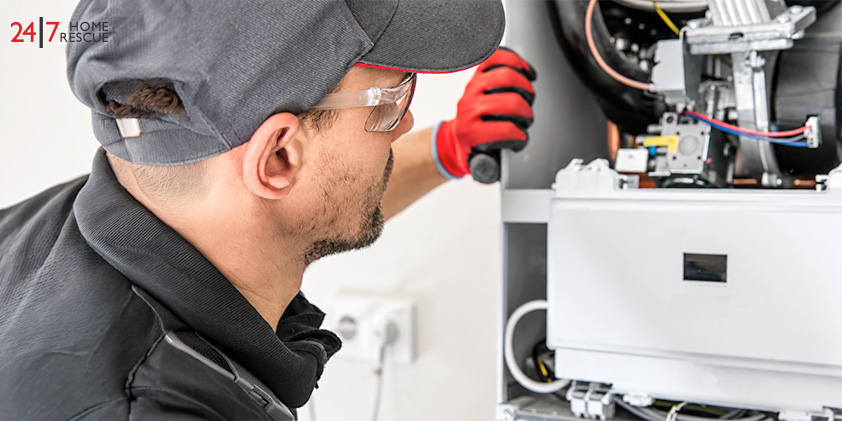
An engineer fixing an Ideal F3 fault checks the fan first, then works through the parts that can stop it running:
- Fan and fan speed: checks the fan spins and reaches the right speed.
- Wiring harness and connectors: checks the link between the fan and the PCB for loose, damaged or wet connections.
- Venturi: checks it is clear.
- PCB: tests it only if the fan and wiring are fine.
The engineer then replaces the part that has failed and runs the boiler to check F3 has gone. You can book a boiler repair with a Gas Safe registered engineer, and check any engineer on the Gas Safe Register.

Boiler Repair
Book your boiler repair online and save time and effort. Our certified engineer will provide you with hassle-free assistance.
How Much Does It Cost to Fix an Ideal F3 Fault?
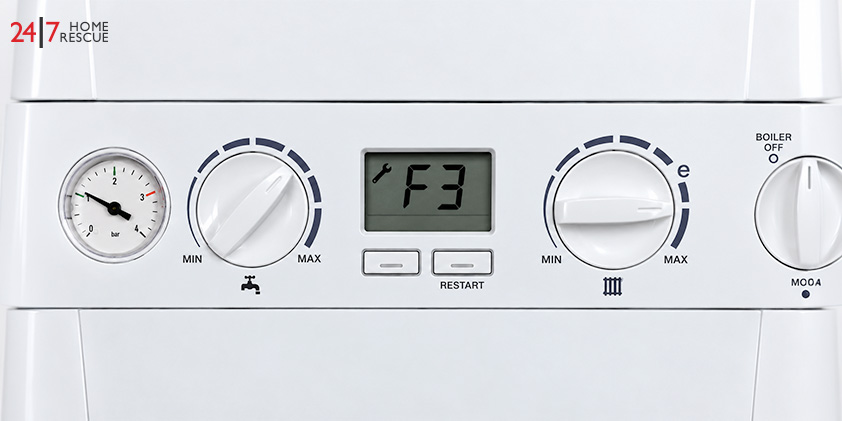
The average cost of fixing an Ideal F3 fault depends on the part that has failed. A fan speed adjustment or wiring repair costs the least, and a new fan or PCB costs the most.
| Component or fault | Average cost (not a quote) | What the repair involves |
|---|---|---|
| Fan replacement, including worn bearings | £200–£400 | Removing the old fan, fitting a new one and testing |
| PCB fault | £250–£450 | PCB diagnostics, rewiring, replacement if needed |
The actual cost can vary depending on your boiler model, the availability of parts and regional labour rates. If a repair costs a large share of a new unit on an older boiler, replacing the boiler may be the better choice. Your engineer can advise once they have found the fault.
Will Boiler Cover Pay for an Ideal F3 Fault Repair?
Yes, boiler cover can pay for an Ideal F3 repair, depending on your policy’s limits, excess and exclusions. Some home emergency cover also include boiler breakdowns, so check yours before paying for a repair yourself. What is covered depends on the provider and policy you choose, so compare the terms before you buy.

Boiler Insurance You Can Trust
Get boiler breakdown and landlord cover including free annual boiler service.
Choose your policy type
Ready to Get Your Boiler Back Up and Running?
An F3 fault on an Ideal boiler means a problem with the fan, its wiring or the PCB, and the repair cost depends on which one has failed.
One reset is safe to try, but it won’t fix a fan that has worn out or lost its connection.
If F3 comes back, call a Gas Safe registered engineer to test each part and find the cause. You can book a boiler repair online or call 0345 3192 247. To cover the cost of the next breakdown, see what boiler cover from 24|7 Home Rescue includes.
Frequently Asked Questions
Which Ideal boilers show the F3 fault code?
The Ideal Logic F3 fault shows on several Ideal ranges. Ideal’s manuals list it as a fan fault on the Logic Code Combi ESP1, Logic Combi ESP1, Logic Combi C24, Logic+ Combi C24 and Independent Combi 24. Controls differ between ranges, so check your own model’s manual.
Does an F3 boiler fault mean the same thing on other brands?
No. Each manufacturer sets its own fault codes, so an F3 error on a boiler can mean something different on another make. On an Ideal boiler, F3 is a fan fault. If yours is a different brand, look up F3 in its manual.
Is it safe to use an Ideal boiler while F3 is showing?
No. When F3 shows, the boiler has locked out and won’t run, because it can’t tell the fan is moving waste gases out. Don’t try to force it to run. Reset it once, and if F3 comes back, call a Gas Safe registered engineer.
At 24|7 Home Rescue, we aim to keep our blogs accurate and helpful at the time of publication. However, details such as images, services, or related information may change over time. Content is provided for general information only and should not be taken as professional advice. For appliance- or boiler-specific guidance, always refer to your manufacturer’s user manual, as controls, settings and features may vary by brand and model. For the latest updates on our services, please review our Terms & Conditions or contact us directly. 24|7 Home Rescue accepts no liability for any actions taken based on outdated or incomplete content. Our team is always happy to help with any questions.
Recent Posts
Popular Posts

24 Mar, 2015


13 Apr, 2015
Related Posts